K1177 Customer Service & Account Help
Updated November 2026 · K1177 Pakistan guide
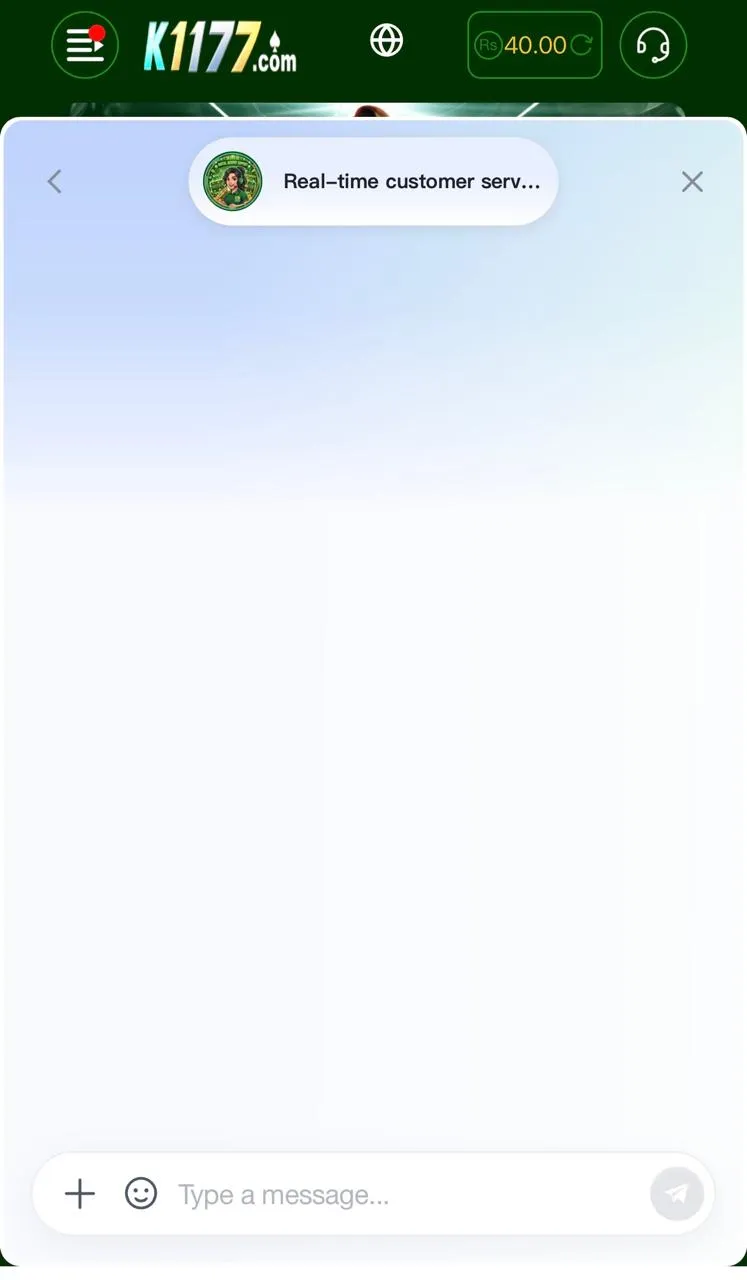
Real K1177 help lives inside the official app (Customer Service / Support) and on this site. Agents who message you on WhatsApp asking for OTP, remote access, or “VIP deposit numbers” are not official.
How to contact support
- Open the official K1177 APK installed from k1177apk.com.pk.
- Open Customer Service / Support from the menu or profile area.
- Describe the issue in one short message and attach screenshots if asked.
- For site-side questions, use Contact Us or email support@k1177apk.com.pk.
Login & password issues
- Confirm you are using the same phone number / ID you registered with.
- Use any in-app Forgot Password / reset flow if shown.
- Never share OTP, withdrawal PIN, or password with chat “helpers.”
- If the account is locked after many failed tries, wait and contact in-app support.
What to send for payment tickets
- Transaction ID / JazzCash or EasyPaisa receipt
- Exact amount, time, and the account name shown in Deposit / Withdraw
- Screenshot of your K1177 wallet history if balance did not update
Scam checklist
- Official support will not ask you to install TeamViewer or share SMS codes.
- Deposit only to details generated inside the app for your session.
- Download APK updates only from k1177apk.com.pk.
Related: account & login · safety guide. 18+ only.
DOWNLOAD K1177 APK
More help on the K1177 blog.