How to Play K1177 on PC (BlueStacks & Emulators)
Updated November 2026 · K1177 Pakistan guide
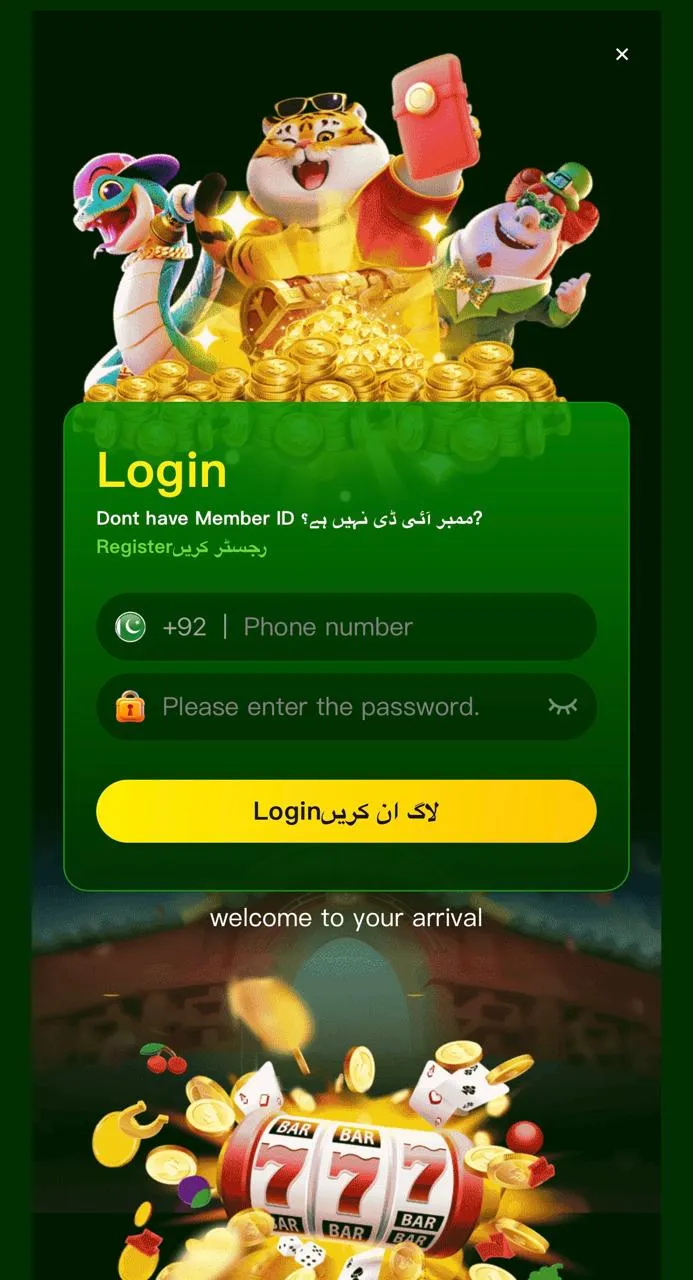
K1177 is an Android APK. There is no native Windows installer. Pakistani players who want a larger screen run the same APK inside an Android emulator such as BlueStacks, LDPlayer, or Nox — then log in with the same account used on mobile.
What you need
- Windows 10/11 PC with enough RAM (8 GB+ recommended for smooth play)
- Stable internet for deposits, lobby sync, and customer service
- Official K1177 APK (V1.6, ~51 MB) from k1177apk.com.pk — never Telegram mods
Install steps (BlueStacks example)
- Install BlueStacks (or another trusted emulator) from its official site.
- Download the K1177 APK via the button on k1177apk.com.pk.
- Open the emulator → Install APK / drag the file into the window.
- Launch K1177, register or log in, then explore the lobby before depositing.
- Use JazzCash or EasyPaisa only through the in-app Deposit screen.
PC tips
- Enable virtualization (VT-x / AMD-V) in BIOS if the emulator is slow.
- Do not run two K1177 sessions that fight the same login if the app blocks multi-device.
- Keep the emulator updated; old builds can fail to parse newer APKs.
Common errors
- Parse / install failed: re-download the APK; the file may be incomplete.
- Black screen: raise emulator graphics to OpenGL or restart with more RAM.
- Payment page blank: check network; try mobile data hotspot if needed.
Longer PC overview: K1177 for PC. Mobile path: Android install guide. 18+ only.
DOWNLOAD K1177 APK
More help on the K1177 blog.