How to Download & Install K1177 APK in Pakistan
Updated November 2026 · K1177 Pakistan guide
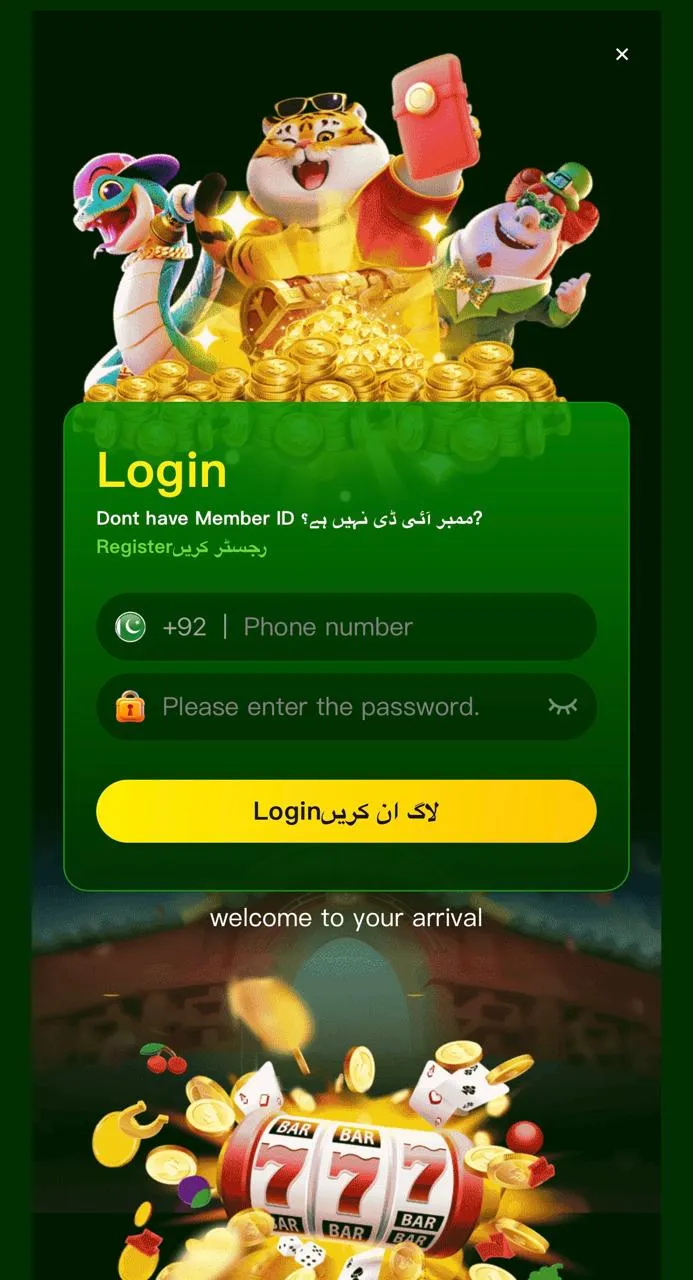
Searching "K1177 Game Free Download Pakistan" leads to many copycat pages. The safe path is k1177apk.com.pk: V1.6, ~51 MB, Android 5.0+. K1177 is sideload-only — we do not claim a Google Play listing.
Before you download
- Use your own Android phone (18+).
- Keep at least 200 MB free storage for download + install.
- Connect to stable mobile data or Wi‑Fi.
- Ignore Telegram APKs that ask for upfront PKR.
Download steps
- Open k1177apk.com.pk in Chrome or your default browser.
- Tap Download K1177 APK (routes through the official link).
- Wait until the full ~51 MB file completes — do not cancel mid-way.
- Settings → allow Install unknown apps for that browser.
- Open Downloads, tap the APK, confirm Install.
- Open K1177, then register or log in.
Enable unknown sources (Android)
On Android 12+, go to Settings → Apps → Special app access → Install unknown apps → Chrome → Allow. Samsung users: Settings → Biometrics and security → Install unknown apps. Without this, the install button stays greyed out.
Fake APK warning
Real builds are near ~51 MB. Tiny files, mismatched icons, or requests for JazzCash OTP in chat are red flags. Compare with safety guide.
Troubleshooting
- Install blocked: re-enable unknown sources for the browser you used.
- Parse error / corrupt APK: delete file, re-download from download page.
- App won’t open: update Android System WebView, clear cache, reinstall.
- Login loop after install: see app not working fixes.
FAQ
Can I update without losing balance? Usually yes if you install over the same official APK — still screenshot balance before major updates.
PC install? Use BlueStacks with the same APK: PC guide.
More help on the K1177 blog.