Bind JazzCash & EasyPaisa to K1177 Wallet
Updated November 2026 · K1177 Pakistan guide
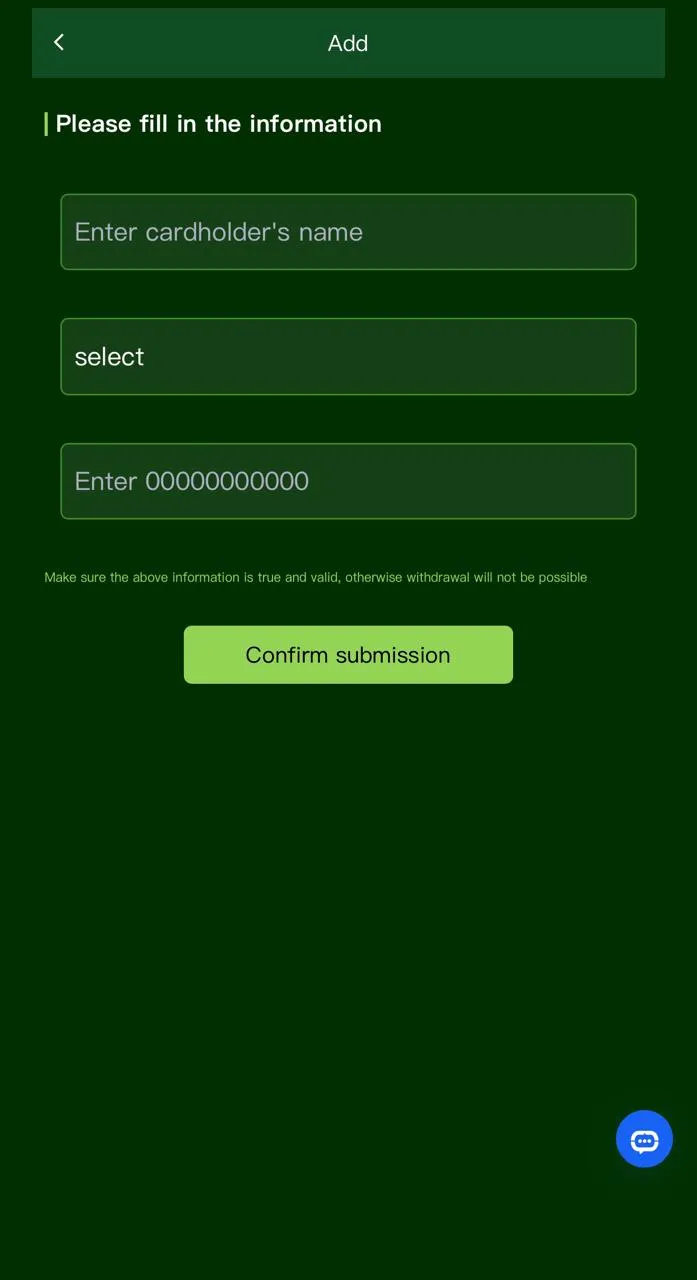
Binding your own JazzCash or EasyPaisa account is required before most K1177 cash-outs. Use wallets registered in your name — mismatched CNIC/name is a top reason for failed payouts.
Bind steps (typical flow)
- Open Wallet → Withdraw (or Account / Payment methods).
- Choose JazzCash or EasyPaisa. Official sites: JazzCash · EasyPaisa.
- Enter the mobile number exactly as on your wallet app.
- Set or confirm your withdrawal PIN.
- Save and try a small withdraw only after turnover rules are met.
Common bind errors
- Wrong digit in the 03XX number or using someone else’s wallet.
- Trying to bind before the account finished registration / KYC prompts in-app.
- Following a chat agent’s “alternate” account instead of the in-app form.
Next: withdraw guide · deposit guide. 18+ only.
DOWNLOAD K1177 APK
More help on the K1177 blog.