K1177 App Not Working? Common Fixes (Pakistan)
Updated November 2026 · K1177 Pakistan guide
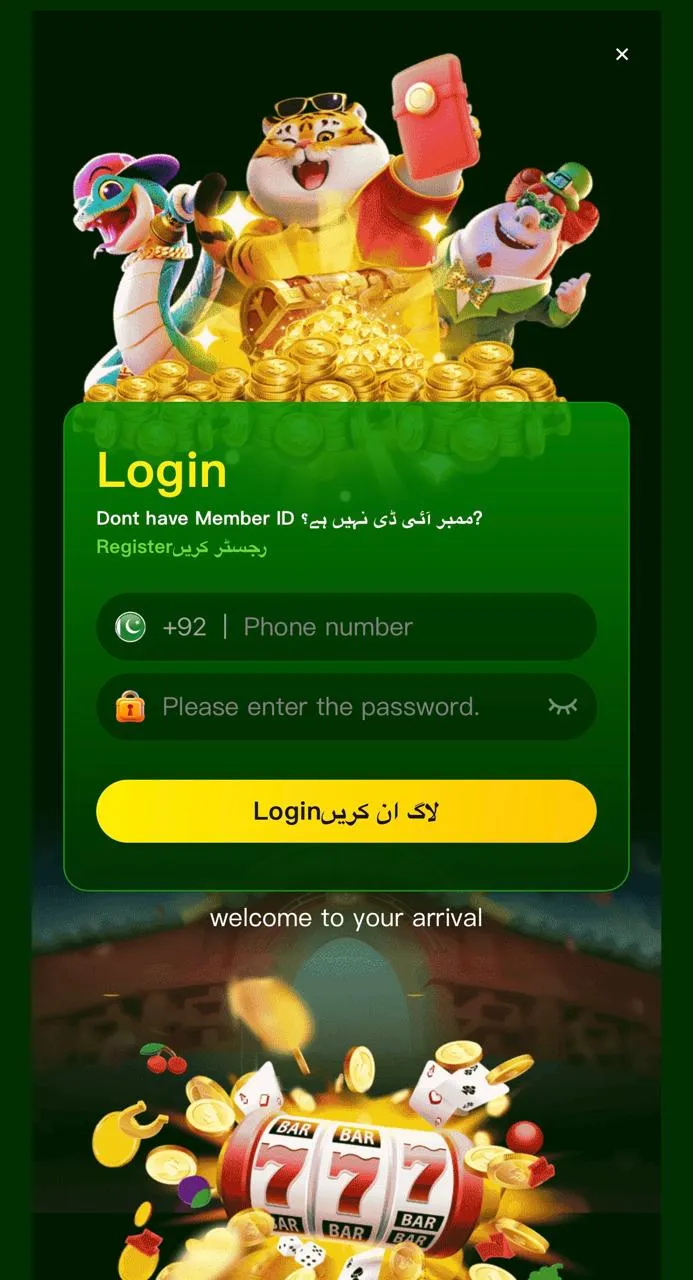
If K1177 will not open, keeps crashing, or payments stall, most issues come from an old APK, weak network, or a modified install. Work through these fixes before you reinstall.
App won't open or crashes
- Force-close K1177 and reopen it.
- Free storage space — low disk often causes install/parse errors.
- Re-download the latest APK from k1177apk.com.pk and install over the old build.
- Restart the phone, then try again on Wi-Fi or mobile data.
Login errors
- Confirm the same phone number / password you registered with.
- Check system time is automatic (wrong clock can break OTP).
- Switch network (Wi-Fi ↔ mobile data) if the request times out.
- Still locked out? Use customer service steps.
Deposit or balance not updating
- Wait a few minutes; keep the JazzCash / EasyPaisa receipt.
- Confirm you paid the exact in-app account — not a chat number.
- Do not send a second payment to “force” credit.
- Open in-app support with transaction ID and screenshots.
When to reinstall
Uninstall only after you know your login details. Install again only from k1177apk.com.pk — see the download & install guide. Avoid APKs from Telegram groups; they often break or steal sessions.
Play responsibly (18+). Fix the app first — never share OTP or withdraw PIN to “repair” it.
DOWNLOAD K1177 APK
More help on the K1177 blog.