K1177 OTP Not Received & Login Fix Pakistan
Updated November 2026 · K1177 Pakistan guide
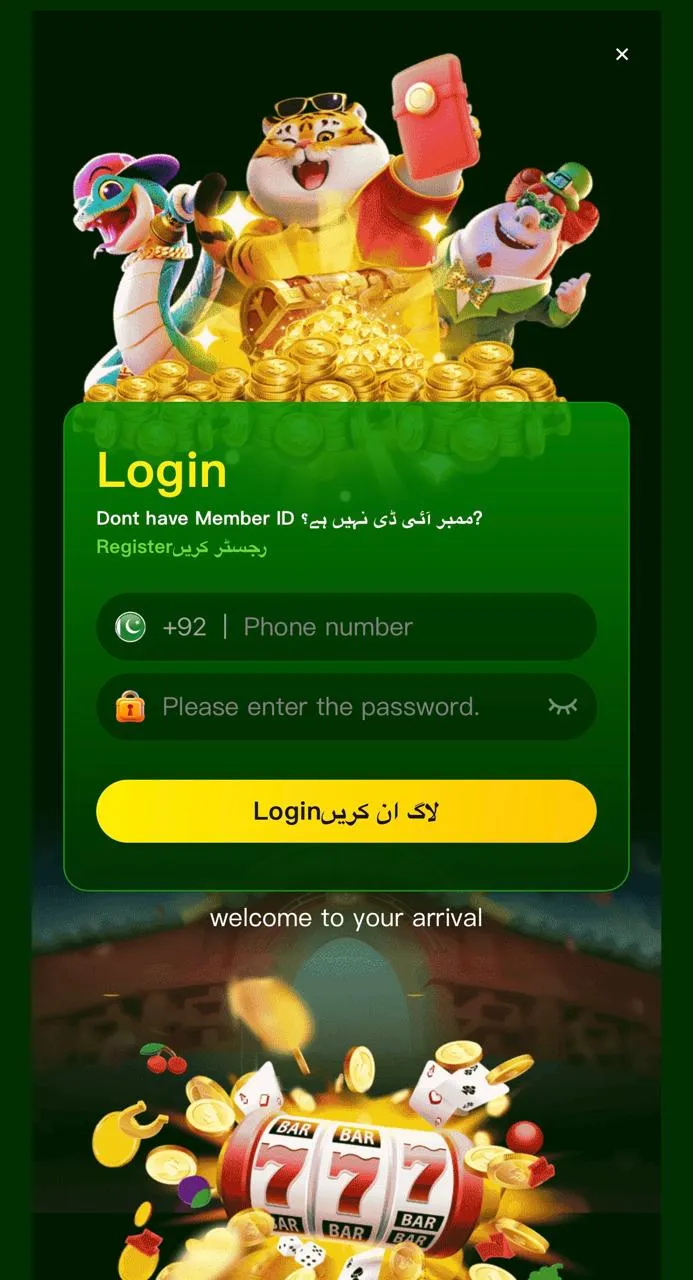
If K1177 registration or login hangs on the SMS code, most issues are number format, network, or an outdated APK — not a permanent account block.
OTP checklist
- Use a Pakistani mobile in 03XX XXXXXXX format (no extra spaces or country code typos).
- Switch between Wi‑Fi and mobile data; wait 60–90 seconds before tapping Resend.
- Disable SMS blockers / dual-SIM apps that filter unknown senders.
- Toggle airplane mode for 10 seconds, then request a new code.
- Update to the latest APK from the install guide.
Password / login errors
- Confirm Caps Lock and Urdu/English keyboard layout.
- Use “Forgot password” only inside the official app — never a link from chat.
- Clear app cache if the login button spins forever, then reopen.
Still stuck?
Open in-app Customer Service with your registered number and screenshots. Full walkthrough: customer service guide · create account & login. 18+ only.
DOWNLOAD K1177 APK
More help on the K1177 blog.